    __                    __
   / /_________  ______  / /_
  / //_/ ___/ / / / __ \/ __/
 / ,< / /  / /_/ / /_/ / /_
/_/|_/_/   \__, / .___/\__/
          /____/_/
Terminal password manager.
Encrypted. Local. Yours.
AES-256-GCM encryption, Argon2id key derivation, optional 2FA unlock, and optional GitHub Gist sync — all inside a beautiful terminal UI.
// features
Everything a password manager should be.
Vault encrypted at rest with your master password. Argon2id key derivation — your password is never stored, only a derived key held in memory.
Max 5 failed unlock attempts. On the 5th failure the vault is permanently destroyed. The attempt counter is HMAC-signed to prevent tampering.
Add a TOTP second factor (any authenticator app) to the unlock screen. Set up entirely within the TUI — no external tools needed.
Optionally push your encrypted vault to a private GitHub Gist. Only the encrypted blob ever leaves your machine — GitHub never sees plaintext.
Generate strong passwords with
g globally or
ctrl+g inline in any form field.
Configurable length and character set via
config.json.
krypt get <name> <field>
and krypt list for scripting,
dotfiles, and CI — with --copy flag
for silent clipboard use.
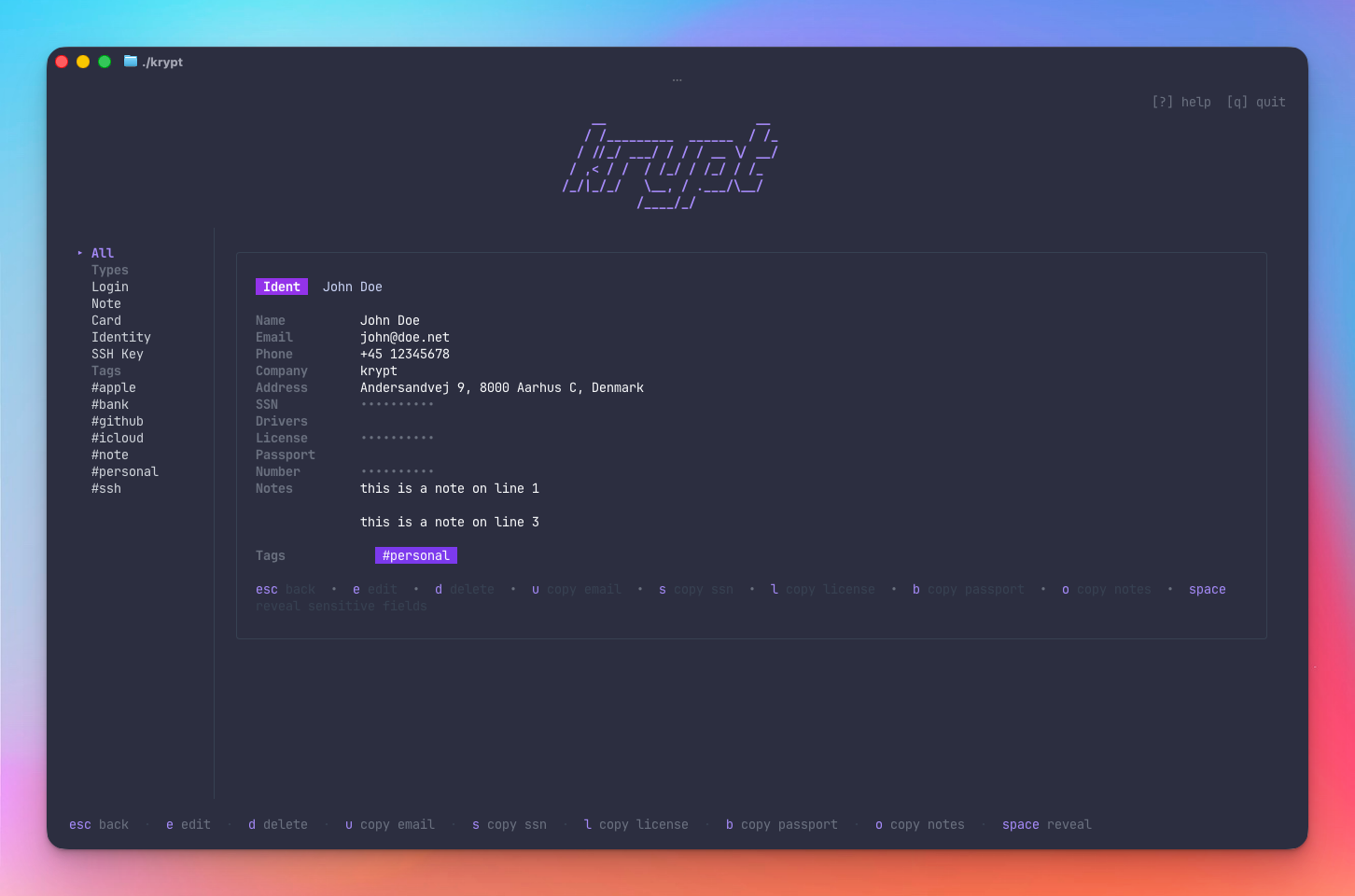
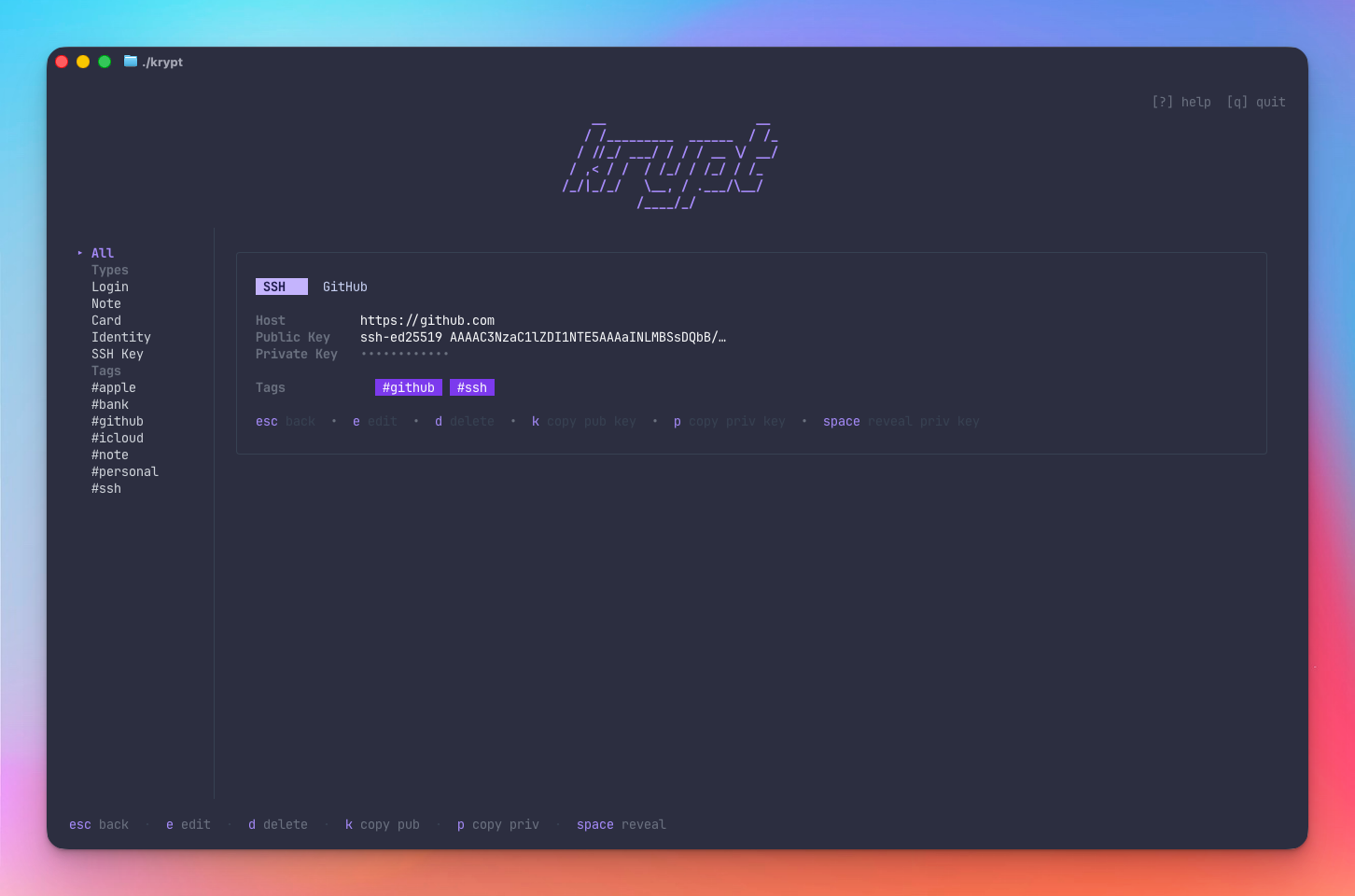
Login, Note, Card, Identity, and SSH Key — each with context-aware copy keybindings, tag support, and favorites.
Export as plaintext JSON or AES-256-GCM
encrypted JSON with a one-time passphrase. Files
written with 0600 permissions.
Login URLs rendered as clickable terminal hyperlinks in iTerm2, WezTerm, kitty, and Ghostty.
// screenshots
See it in action.
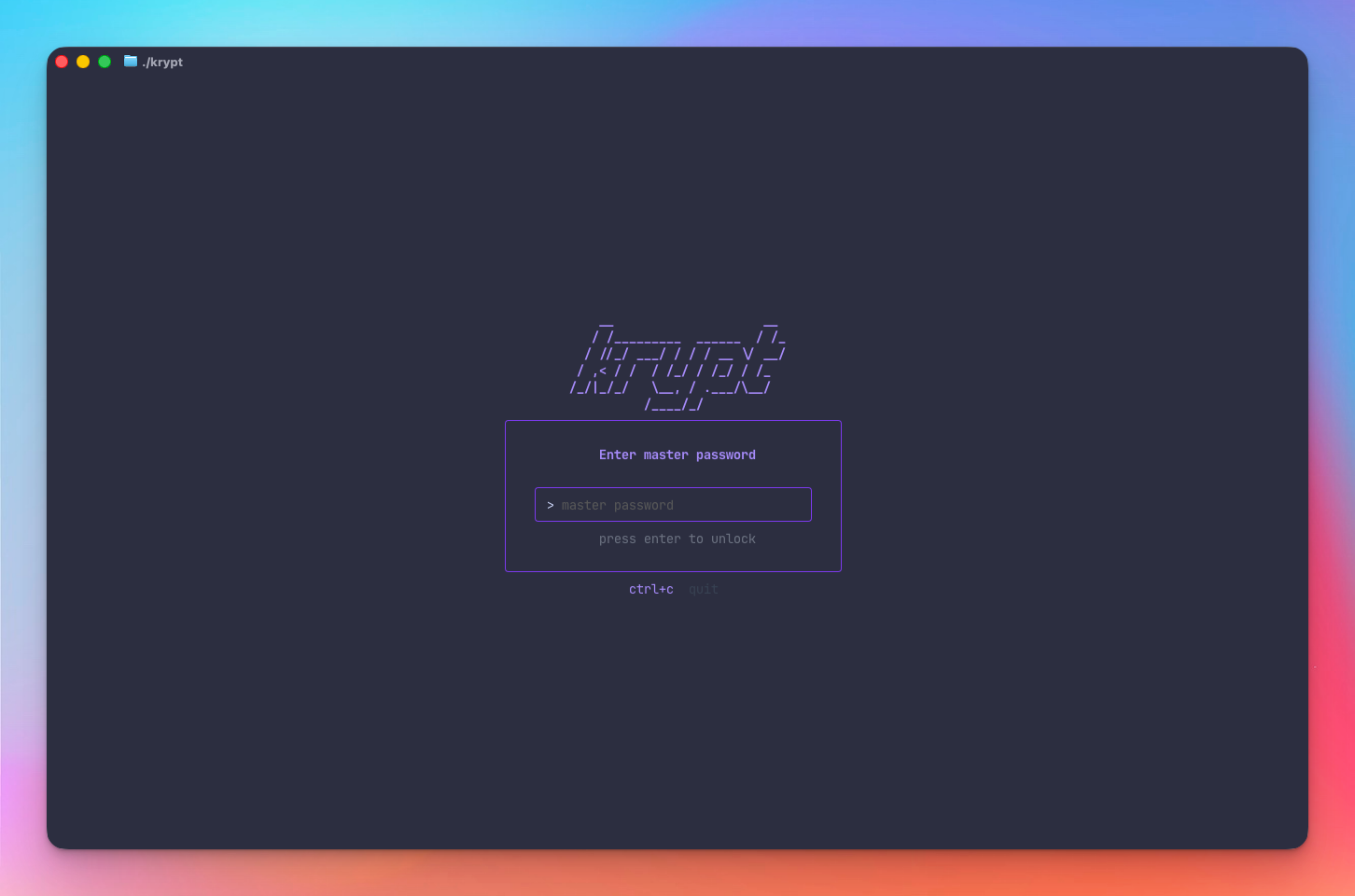
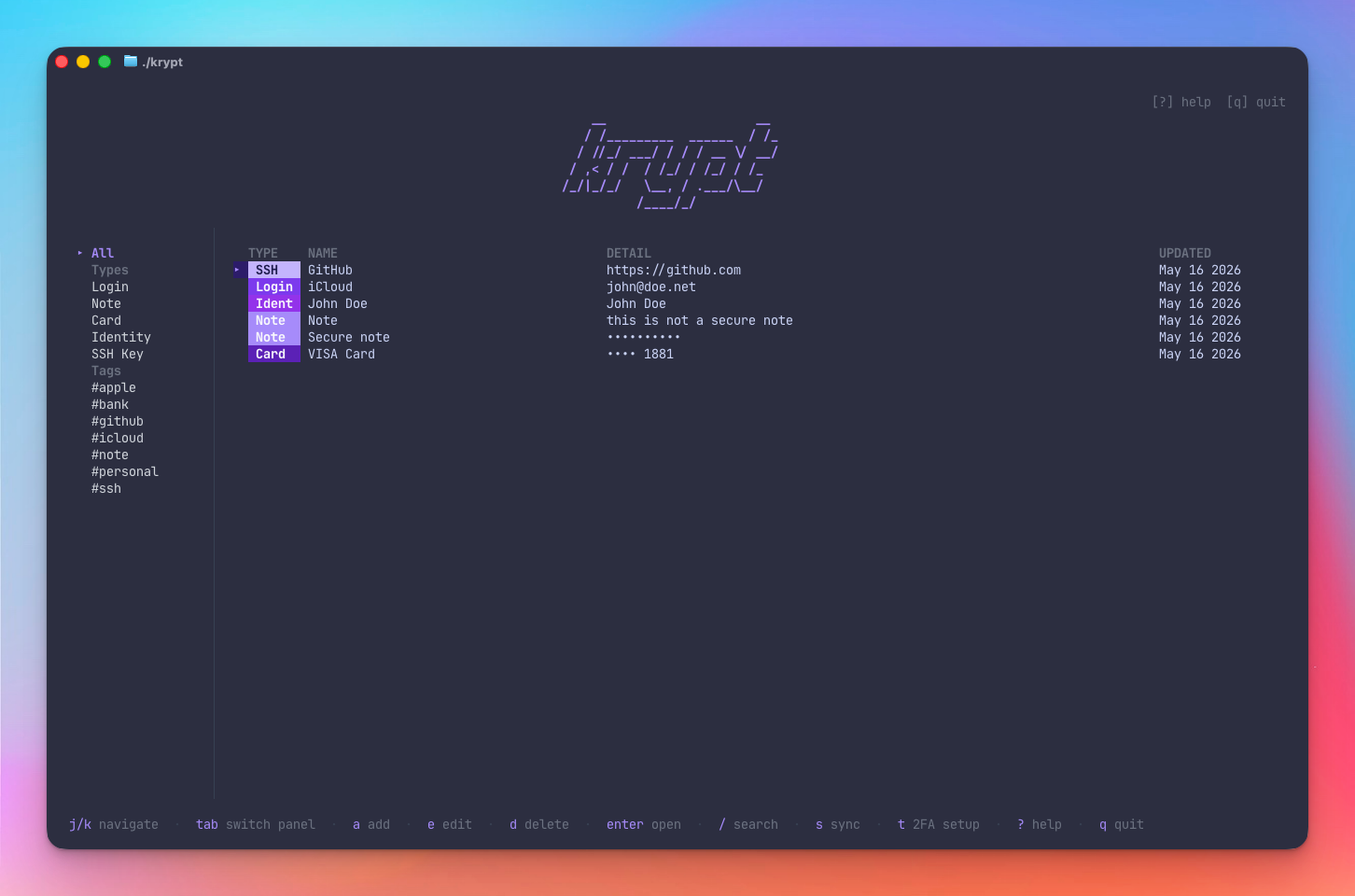
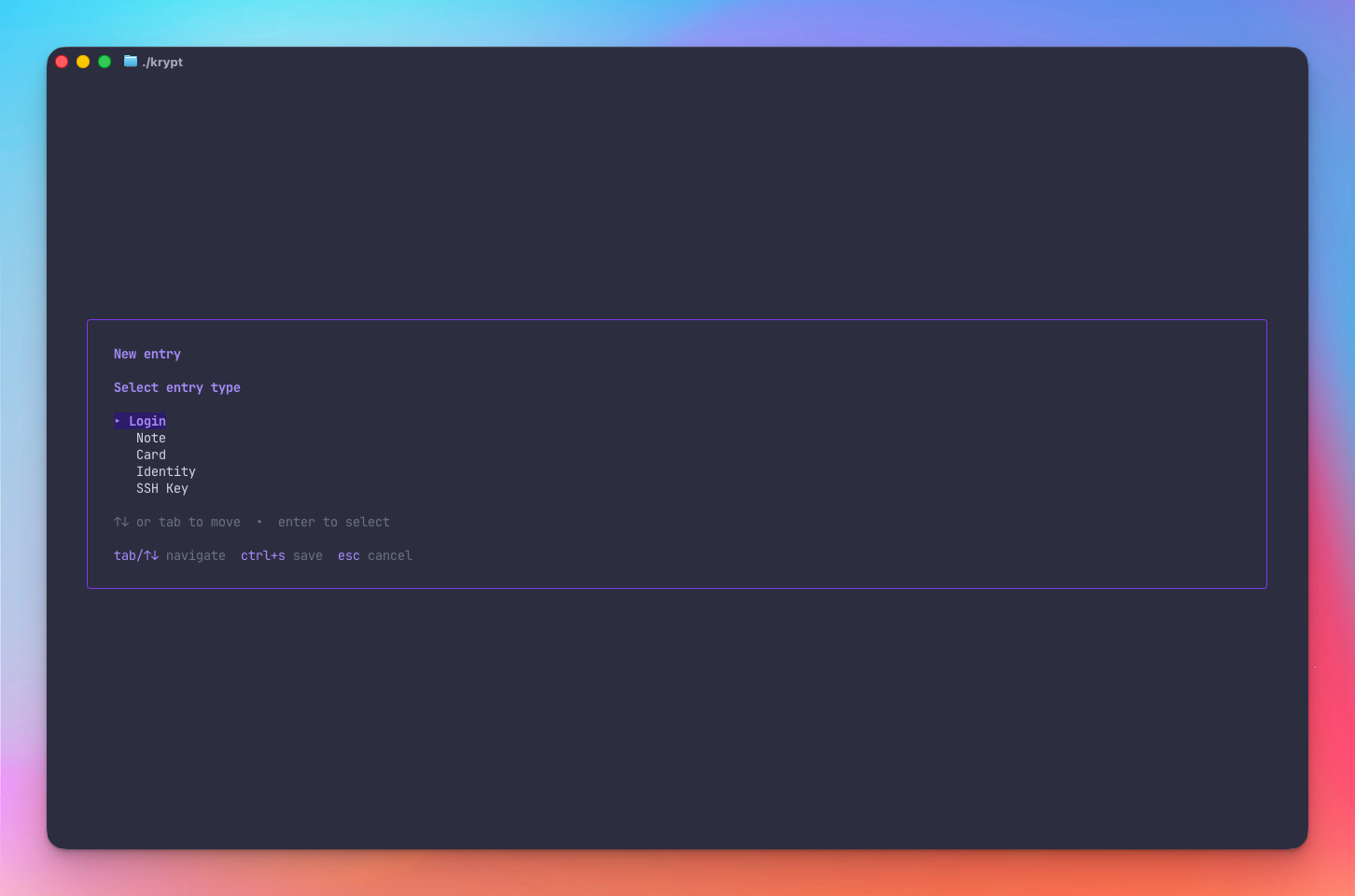
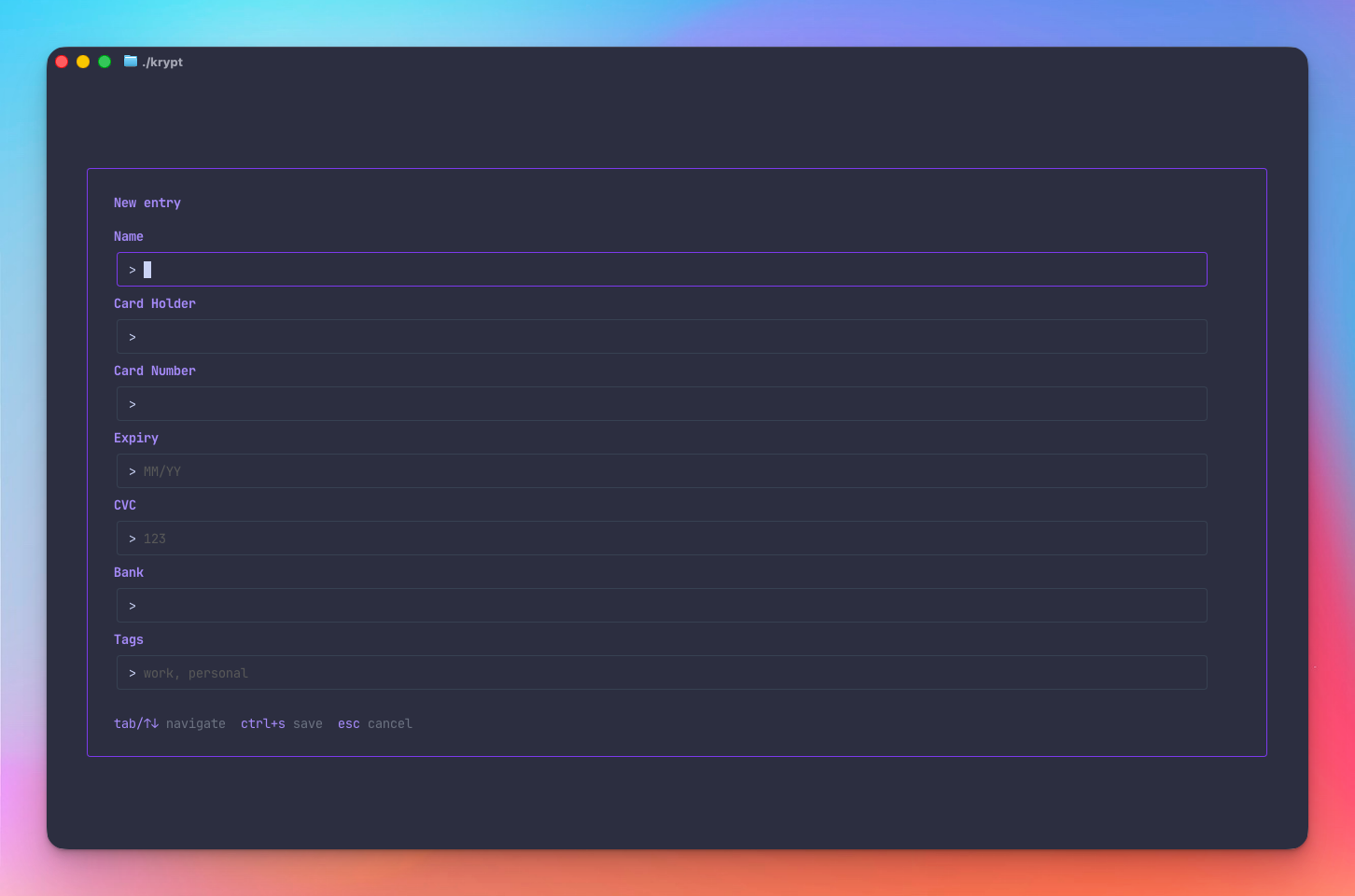
// entry types
Five types. One vault.
- Name
- Username
- Password (masked)
- URL (clickable link)
- Notes · Tags · Favorite
- Name
- Content
- Tags · Favorite
- Name · Cardholder
- Number (masked)
- Expiry · CVC (masked)
- PIN (masked)
- Notes · Tags · Favorite
- Name · Email · Phone
- Address · Company
- SSN (masked)
- Driver's License (masked)
- Passport (masked)
- Tags · Favorite
- Name · Host
- Public Key
- Private Key (masked)
- Passphrase (masked)
- Tags · Favorite
// cli usage
Scripting-friendly secret retrieval.
Use krypt non-interactively in scripts, dotfiles, and CI pipelines. 2FA is skipped for CLI access — the vault remains AES-256-GCM encrypted and requires the master password.
Get a secret
# print to stdout
krypt get "iCloud" password

# copy to clipboard silently
krypt get "GitHub SSH" pubkey --copy
List entries
# all entries
krypt list

# filter by type
krypt list --type=login
krypt list --type=ssh
Master password
# interactive (no echo)
krypt get "iCloud" password

# non-interactive / CI
KRYPT_MASTER_PASSWORD=... \
  krypt list
// installation
Get started in seconds.
git clone https://github.com/mojoaar/krypt.git cd krypt make install
export PATH="$PATH:$(go env GOPATH)/bin"
krypt --version
krypt
On first launch krypt creates a new vault. Choose a strong master password — it cannot be recovered if lost.
Data location:
Vault and config stored in
~/.config/krypt/
on macOS & Linux, or
%AppData%\krypt\
on Windows. Builds available for
darwin-arm64 · darwin-amd64 · linux-amd64 ·
linux-arm64 · windows-amd64.
// configuration
Simple, optional, file-based config.
Everything works out of the box with no configuration.
config.json
is created automatically on first launch — edit any
field or omit it to keep the default.
Data location
| Platform | Path |
|---|---|
| macOS / Linux |
~/.config/krypt/
|
| Windows |
%AppData%\krypt\
|
Vault files
| File | Description |
|---|---|
| vault.enc | AES-256-GCM encrypted vault |
| 2fa.enc | Encrypted TOTP secret — only present if 2FA is enabled |
| config.json | Sync + generator settings (unencrypted) |
| attempts.json | Failed unlock counter — HMAC-signed; editing it triggers lockout |
| .vault-secret |
Per-install HMAC signing key (mode
0600)
|
config.json reference
{
"sync_enabled": false,
"gist_id": "",
"token": "",
"show_counts": true,
"password_gen": {
"length": 30,
"uppercase": true,
"lowercase": true,
"digits": true,
"symbols": true,
"symbol_set": "!@#$%^&*-_+=?"
}
}
| Field | Default | Description |
|---|---|---|
| sync_enabled |
false
|
Enable GitHub Gist sync |
| gist_id |
""
|
Saved automatically after first push |
| token |
""
|
GitHub token fallback — prefer
KRYPT_GITHUB_TOKEN
env var
|
| show_counts |
true
|
Show entry counts next to types and tags in the sidebar |
| password_gen.length |
30
|
Generated password length |
| password_gen.uppercase |
true
|
Include A–Z |
| password_gen.lowercase |
true
|
Include a–z |
| password_gen.digits |
true
|
Include 0–9 |
| password_gen.symbols |
true
|
Include symbols |
| password_gen.symbol_set |
!@#$%^&*-_+=?
|
Which symbols to use |